
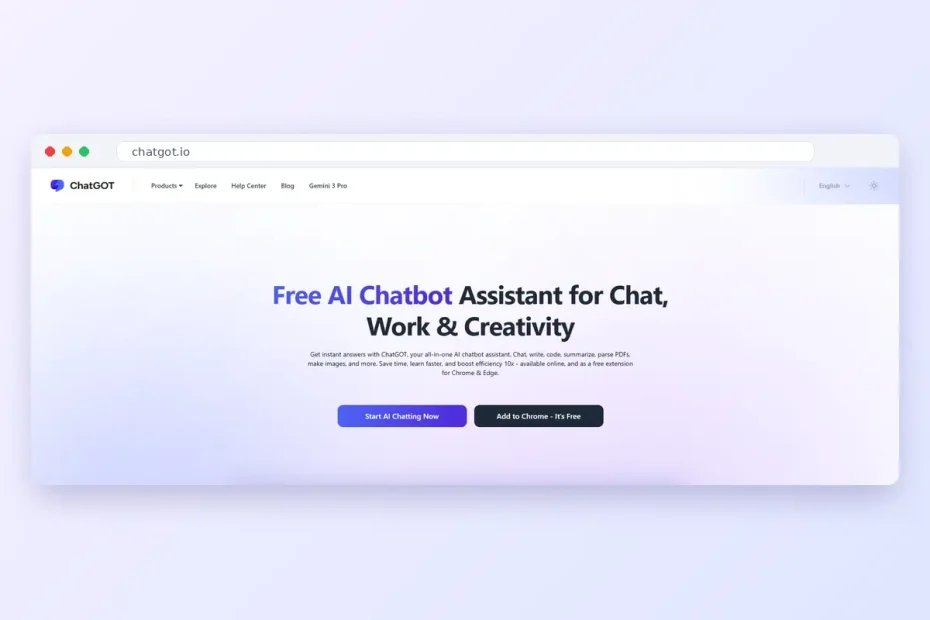
ChatGOT is a multi-model AI chatbot that puts models from OpenAI, Anthropic, Google, Meta and a few others into one chat window. You pick a model, ask your question and compare answers without paying for three separate subscriptions.
Sounds good. But does it hold up?
People often type “chat got” when they mean ChatGPT, and that’s usually how they find this tool. So this ChatGOT review covers what the tool actually is, what it costs, where it’s genuinely useful and where it falls short. You’ll know whether it’s worth your money by the end.
What Is ChatGOT?
ChatGOT is an AI chatbot platform from a New York startup, available at chatgot.io. It doesn’t build its own AI model. Instead, it connects to models from providers like OpenAI, Anthropic, Google and Meta through their APIs, then lets you use all of them from a single interface.
ChatGOT is not ChatGPT. The names are close, so people mix them up all the time. ChatGPT is OpenAI’s own chatbot. ChatGOT is a separate hub that can include ChatGPT’s models alongside Claude, Gemini, Llama and others.
You talk to it the normal way. Ask it to write, code, translate, research or brainstorm, and it replies in plain conversation. The difference is that you’re not locked into one AI’s style or its blind spots.
Key Features of ChatGOT
The core features are simple, and that’s part of the appeal.
Multiple AI Models in One Chat
ChatGOT’s biggest selling point is model choice. You can send the same prompt to different models and keep the answer that fits best. Some reviewers point out that you can even @-mention a model inside one thread, so you compare replies without starting a new chat.
This matters more than it sounds. One model might write a cleaner blog intro, while another handles a messy Python error better.
A Clean, Simple Interface
The layout is plain: a chat box, a model picker and a sidebar with your history. If you’ve used any AI chatbot before, you won’t need a tutorial.
AI Writing Assistant
ChatGOT drafts, rewrites and polishes text. It fixes grammar, changes tone and writes in several languages. Bloggers use it for outlines and first drafts, while students use it to tighten essays. If most of your writing is for social media, our list of free AI Instagram caption generators is worth a look too.
Coding Support
Developers can use ChatGOT to write snippets, explain error messages, review code and break down concepts. Being able to switch to a stronger reasoning model halfway through a tricky bug is genuinely handy.
ChatGOT Pricing, Extra Tools and What Most Reviews Skip
Most ChatGOT reviews stop at features. They skip the stuff that actually decides whether you’ll pay: the price, the free plan’s limits, the extra tools and how it stacks up against ChatGPT. Here’s all of it in one place.
ChatGOT Pricing Plans Compared
There are three main tiers, plus custom Enterprise pricing for larger teams.
| Plan | Price | What you get |
|---|---|---|
| Free | $0 | 10 standard queries per day, lighter models such as GPT-4o mini, limited tool access |
| Pro | $9.90/month | 6,000 standard and 400 advanced queries, 300 standard and 50 advanced images, 50 AI Slides credits, Chat with PDF, real-time web access, custom bots, chat with images |
| Max | $15.90/month | Everything in Pro, plus 8,000 standard and 500 advanced queries, 500 standard and 100 advanced images, 100 AI Slides credits |
| Enterprise | Custom | Custom limits and pricing for teams |
Paid plans remove daily caps, keep working during busy periods and promise 2x faster responses. Annual billing lowers the monthly price a little, and some listings quote these prices on yearly billing. So check the official ChatGOT pricing page before you pay, because limits change.
How Limited Is the Free Plan?
Honestly, very limited. Ten queries a day disappear fast. Ask one question, follow up twice, rephrase once, and you’ve used almost half.
Chat with PDF, web access and image chat are paid-only. The free plan is good for one thing: testing whether you like the interface before paying. Don’t plan real work around it.
Tools Beyond Chat
ChatGOT also includes a few tools that most competitor articles don’t mention:
- Chat with PDF: upload a PDF up to 50MB, get an instant summary, then ask questions about it. It only supports PDFs, not Word or TXT files.
- AI Slides: give it a topic and it builds an outline and a presentation.
- Image generation: paid plans give you watermark-free images.
- Real-time web access: useful for news, prices and recent stats.
- Custom AI bots: set a role and instructions once, then reuse them.
- Browser extension and apps: there’s a free extension for Chrome and Edge, plus web, mobile and desktop access.
ChatGOT vs ChatGPT
People search “chat got vs ChatGPT” a lot, so here’s the short version.
| ChatGOT | ChatGPT | |
|---|---|---|
| Made by | ChatGot (New York startup) | OpenAI |
| Models | GPT, Claude, Gemini, Llama and more | OpenAI models only |
| Paid plan starts at | $9.90/month | $20/month (ChatGPT Plus) |
| Best for | Comparing models on a budget | Depth and OpenAI’s newest features |
ChatGOT Pros and Cons at a Glance
- Many AI models in one place
- Cheaper than two or three separate subscriptions
- Free to try without signing up
- Extras like AI Slides, PDF chat and image generation
- Works on web, extension, mobile and desktop
- Free plan stops at 10 queries a day
- PDF chat, web access and image chat need a paid plan
- Only PDF files work for document chat
- A third-party layer, not the model makers themselves
- Answers still need fact-checking
ChatGOT vs Traditional AI Chatbots
Traditional AI chatbots usually run on one model. ChatGOT gives you several. That sounds like a small difference until you hit a task your usual chatbot handles badly.
One model may be better at creative writing. Another may handle code, structured data or step-by-step reasoning more reliably. With ChatGOT, you just switch instead of opening a new account somewhere else.
It also cuts down on the tab juggling. Writing, brainstorming, research and coding all happen in one place, under one login.
Pros and Benefits of Using ChatGOT
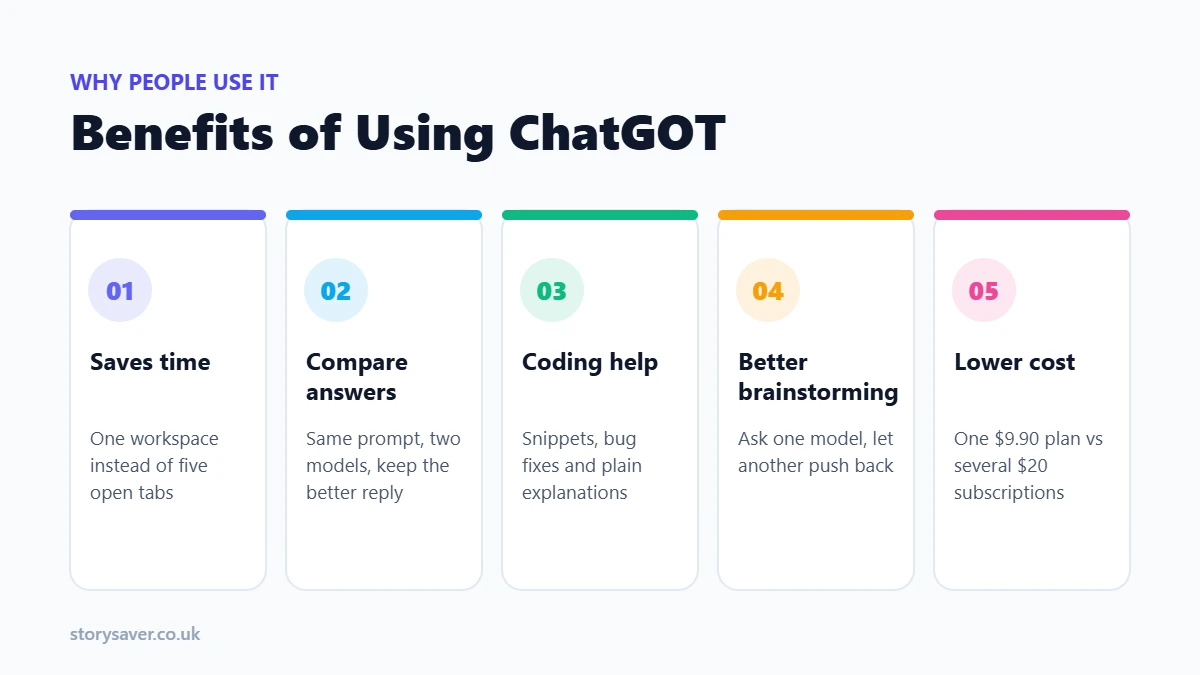
The benefits come down to time and choice. Here’s where it actually helps:
- You get more done in less time. Everything sits in one workspace, so you’re not copying prompts between apps.
- You can compare answers. Run the same prompt through two models and pick the stronger one. This alone catches a lot of weak answers.
- Developers get a flexible coding helper. Write snippets, find bugs, explain concepts and clean up code.
- Brainstorming gets easier. Ask for business ideas, campaign angles, story concepts or brand names, then ask a different model to push back on them.
- It costs less than stacking subscriptions. ChatGOT Pro is $9.90 a month, while ChatGPT Plus alone is $20.
How to Get Started with ChatGOT
Getting started with ChatGOT takes a couple of minutes:
- Visit chatgot.io in any modern browser, or install the Chrome or Edge extension.
- Start chatting right away. You can try it without signing up.
- Log in to get the extra tools. An email or Google sign-in gives you the free daily allowance and access to features like slides and images.
- Choose an AI model that suits the task.
- Type a specific prompt. The more detail you give, the better the reply.
- Review and refine. Ask follow-up questions or switch models if the answer feels off.
Who Should Use ChatGOT?
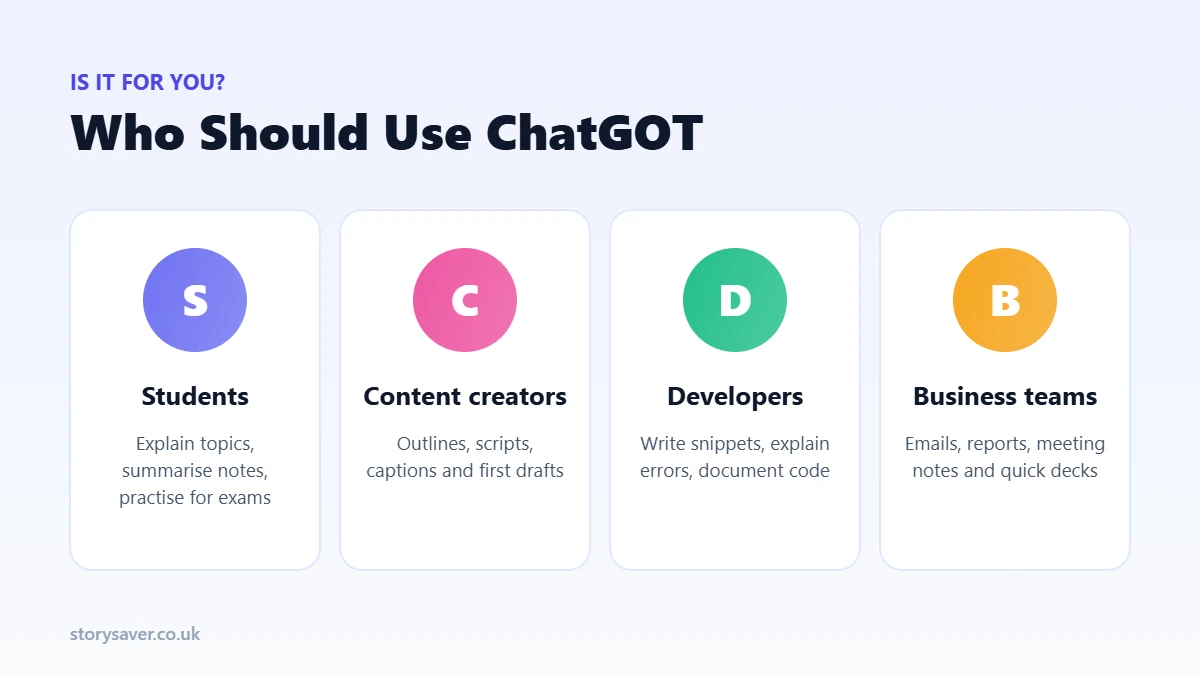
The tool works for a wide mix of people. The real question is how much you’ll use it.
Students
Students can use ChatGOT as a study partner. It explains topics in simple words, summarises notes, creates practice questions and helps structure assignments.
Good uses: homework help, research, essay outlines, study notes, exam prep and language practice.
Content Creators
Bloggers, copywriters, YouTubers and social media managers use it to speed up the boring parts. It fixes grammar, improves readability and adjusts tone.
- Content ideas
- Video scripts
- SEO article drafts
- Social posts and newsletters
Developers
It works well as a second pair of eyes on code. It generates snippets, explains errors, suggests fixes and writes documentation. It won’t replace testing, though.
Business Professionals
Busy teams use ChatGOT for emails, reports, meeting summaries, presentations and proposals. AI Slides is handy here when you need a first deck fast.
Limitations of ChatGOT
No AI tool is perfect, and ChatGOT has some clear limitations:
- Answers aren’t always accurate. Like any AI chatbot, it can give outdated, incomplete or simply wrong information.
- Output depends on your prompt. Vague instructions get vague answers. That’s the most common reason people think a tool “doesn’t work”.
- Content needs human editing. Drafts are a starting point, not a finished piece.
- The free plan is thin. Ten daily queries and no PDF or web tools.
- PDF is the only document format. You’ll need to convert Word or TXT files first.
- It’s a middle layer. ChatGOT sits between you and the model makers, so read its privacy policy, and expect brand-new model features to land in the official apps first. If one model stops replying, the problem may be upstream, so it helps to check whether Claude is down or another provider has an outage.
What to Check Before You Rely on ChatGOT
Before you hand real work to any AI tool, think about how much checking each task needs. This counts most when the output gets published, goes to a client or drives a decision.
- Accuracy: check facts, numbers and dates against a trusted source.
- Context: clear instructions and background give better results.
- Privacy: don’t paste confidential business, financial or personal data into ChatGOT unless you’re comfortable with its data practices.
- Creative control: AI speeds up ideas, but originality still comes from you.
- Tool fit: for video or heavy image work, a specialised tool may do the job better.
How to Choose the Right AI Model in ChatGOT
You get plenty of options, but more models don’t automatically mean better results. Picking the right one saves you editing time later.
Match the Model to the Task
Start with what you need. A model that’s great at creative writing isn’t always the best at code or structured analysis. Pick for the job, not out of habit.
Think About Accuracy and Reasoning
For research, technical questions or multi-step tasks, use a model that handles detailed reasoning well. In ChatGOT these usually count as “advanced” queries on paid plans. For quick, simple requests, a faster standard model is fine and saves your advanced credits.
Test a Few Responses
This is where a multi-model tool earns its keep. Give two models the same prompt, compare the answers and note which one suits your work. After a week or so, you’ll know your go-to model for each task.
Always Review the Final Output
Choosing a good model doesn’t replace your judgement. Check anything important before you publish, share or act on it.
Using ChatGOT for Research
Research is more than finding one quick answer. ChatGOT helps with the messier middle part: organising information and turning it into something usable.
Start With a Specific Question
A clear question gives the AI a direction. Instead of “tell me about solar panels”, try “compare running costs of solar panels vs grid power for a small home, in simple terms”. Mention the audience, detail level and format you want.
Organise Complex Information
It can split a big topic into smaller parts and turn it into an outline, summary, comparison table or Q&A. That’s a big time saver when you’re starting from a pile of notes.
Explore Different Angles
Ask for opposing views, or ask a second model to challenge the first one’s answer. Treat the replies as leads to investigate, not final truth.
Turn Research Into Content
Once your notes are ready, ask ChatGOT to turn them into a brief, outline or first draft. With Pro, you can also upload a PDF report and ask questions directly about it.
Verify Important Information
AI research always needs checking. Facts, statistics, quotes and dates should be confirmed against reliable sources before they go into academic, business or published work. Web access on paid plans helps, but it doesn’t remove this step.
ChatGOT for Repetitive Tasks and Workflows
The tool becomes more useful when you use it for repeatable work, not just one-off questions.
Build Repeatable Content Workflows
Teams can set a fixed process for article outlines, social drafts, source summaries or turning notes into documents. ChatGOT’s custom bots help here, since you set the instructions once and reuse them.
Hand Off First Drafts
Don’t expect a finished result on the first try. Paste in meeting notes, ask for a structured summary, then edit before you share it.
Standardise Routine Requests
If your team writes similar emails, reports or customer replies every week, a saved prompt or custom bot keeps the format consistent.
Keep a Human in the Loop
Let ChatGOT handle the prep work. A person should still check the result, make the call and approve the final version.
Know What Should Stay Manual
Some tasks shouldn’t be automated at all. Anything with confidential data, sensitive decisions or high risk needs closer human control.
How ChatGOT Fits Into a Creative Workflow
It works well as the planning stage of a bigger creative project. You start with a rough idea, use it to shape the concept, then hand the result to other tools.
Say you’re making a short video. You can brainstorm the concept in ChatGOT, write the script, turn it into a shot list and then move to a storyboard or AI video tool for the visuals. ChatGOT handles the words and structure. The specialist tools handle the pictures.
That split usually works better than forcing one tool to do everything.
ChatGOT Alternatives: When Another Tool Fits Better
It covers a lot, but a general AI chatbot isn’t always the right pick.
Use Specialised Tools for Specialised Work
If your work is mostly AI video or images, a dedicated creative platform gives you more control than a chat tool. Same for heavy coding or deep research. For Instagram visuals, for example, our pick of the best free AI photo editors does that job better.
Compare Features, Not Model Counts
Don’t judge a tool by how many models it lists. Look at output quality, editing options, file support, usage limits and ease of use.
Match the Tool to Your Budget
Light users may be happy on a free plan somewhere. Heavy users and businesses may get more value paying for one specialised tool they use every day.
Don’t Pick Based on Hype Alone
A popular tool isn’t automatically the right one for you. Think about the actual task, the output you need and how easily it fits into what you already do.
Using ChatGOT at work with a team? Agree on a few simple rules first, like which tools are allowed and what data is safe to paste. Our guide on why AI transformation is a problem of governance explains how to set those rules in a single page.
Is ChatGOT Worth It?
For most people who want several AI models without paying $20 for each, ChatGOT Pro is good value at $9.90 a month. The free plan is too small for real work, so treat it as a test drive. If you live inside one model and want its newest features on day one, go straight to that model’s own app instead.
Want to see if it suits you? Use the free plan for a few days with the tasks you actually do. If you keep hitting the 10-query limit, that’s your answer.