
Hammer AI is a free character chat app. You talk to AI characters, build your own, and write stories with them, kind of like Character AI. The twist? You can also run it on your own computer, offline, with no account at all.
That’s the part most people don’t expect.
It’s also why the same questions keep popping up. Is it safe? Is it really free, or is there a catch? And should a teenager be using it? I’ll go through each one below, in plain words, so you can decide before you download anything.
What Is Hammer AI?
Hammer AI is an AI chatbot platform made for roleplay and character chat. You don’t ask it to write emails. You pick a character, maybe a knight, an anime girl or a grumpy detective, and you chat with it like you’re both inside a story.
The official site is hammerai.com, so you’ll see people search for hammer.ai or even ai hammer too. Same thing.
Every character has a personality, a backstory and its own way of talking, and the AI sticks to those rules while it replies. So the chat feels less like a search engine and more like a writing partner who’s playing a role. If you’ve used Character AI before, the screen will look familiar. The big difference sits under the hood, and that’s where things get interesting.
How Does Hammer AI Work?
There are two ways to run it: local models and cloud models. Once this clicks, almost everything else (privacy, speed, price) makes sense.
With local models, the desktop app downloads an AI model onto your computer and runs it there. It uses tools like Ollama and llama.cpp in the background, but you never have to touch them. Your messages stay on your machine. Pull the internet cable out and it still works.
Cloud models are the easy route. The web app and phone apps send your message to the company’s servers, a bigger model writes the reply, and it comes back to you. You need internet, but you don’t need a strong PC.
Which one should you use? If you care about privacy and you’ve got a decent gaming PC or an Apple Silicon Mac, go local. If you just want to try it tonight from your phone, cloud is fine.
Hammer AI Features
For a free app, there’s a lot here. The ones you’ll actually use day to day:
- A big library of ready-made characters: fantasy, anime, games, plain everyday chat
- A character creator, so you can build your own from scratch
- Lorebooks (world details the AI should remember) and personas (who you are in the story)
- Local, offline chat with GPU support for Nvidia, AMD, Intel and Apple chips
- Cloud models for the browser and phone
- Image generation and text-to-speech on the cloud side
- No login needed if you only chat locally
Honestly, the lorebooks are the feature people tend to skip at first, and then miss later. Long stories drift. A lorebook keeps names, places and rules from slipping out of the AI’s memory.
How to Use Hammer AI
Your first Hammer AI chat takes about five minutes to set up:
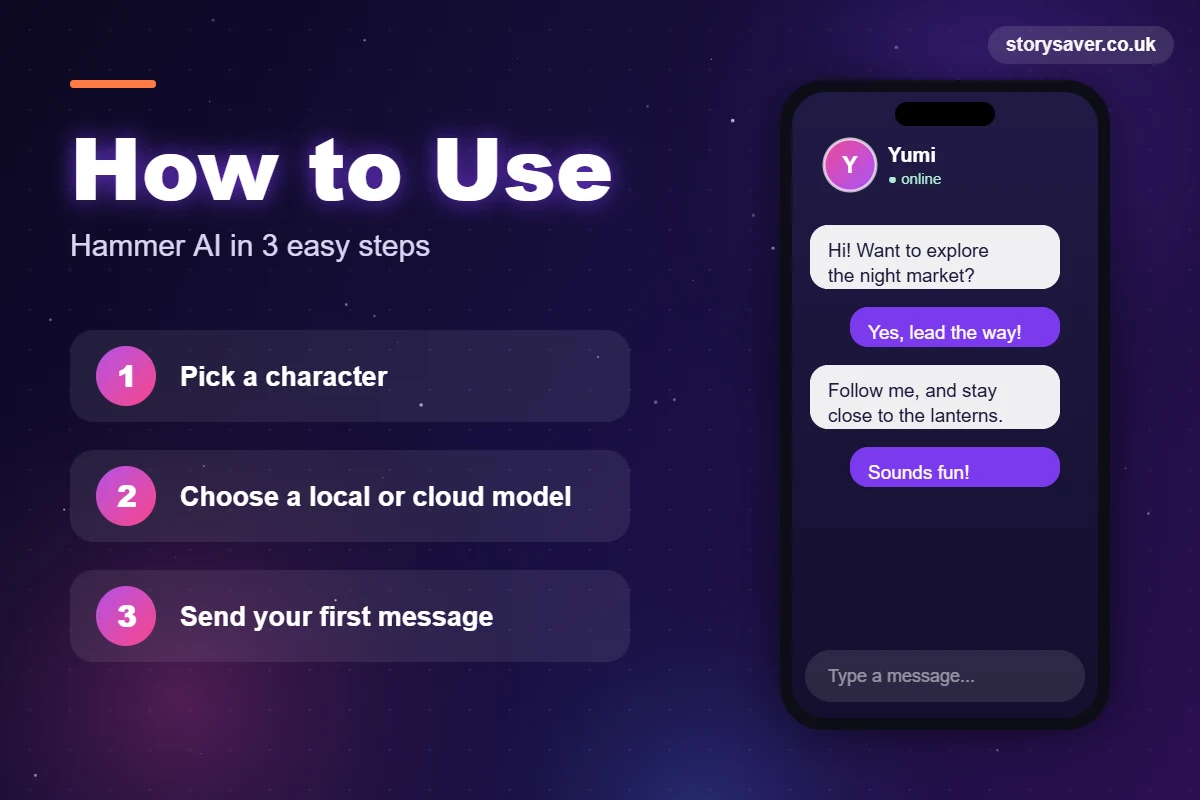
- Go to hammerai.com. Chat in the browser, or grab the desktop app from the same site.
- Pick a cloud model if you want to start right now. On desktop, you can download a small local model instead.
- Browse the characters and choose one that fits the mood you’re after.
- Read its character card first. It tells you the setup, and saves you from awkward first messages.
- Send a message. Keep it short and give the story a clear direction.
- If a reply goes off the rails, edit it or hit regenerate. You’re the one steering.
A quick tip from the user reviews: don’t write a wall of text in your first message. Short, clear replies usually get better answers back, especially from smaller local models.
How to Create Your Own Character
After a few chats, you’ll probably want your own. Open the character creator and fill in a name, a short description, the personality and a first message. That’s it.
One thing that trips people up: they write a huge, messy description full of mixed ideas. The AI follows the card closely, so a short, focused character nearly always behaves better than a long confusing one.
Hammer AI Apps: Web, Desktop, Android and iPhone
You can use it almost anywhere, but each version works a bit differently. Here’s the quick version:
| Version | Platforms | Models | Works offline? |
|---|---|---|---|
| Web app | Any browser | Cloud only | No |
| Desktop app | Windows, macOS (Apple Silicon), Linux | Local and cloud | Yes, with local models |
| Android app | Google Play | Mainly cloud | No |
| iPhone app | App Store | Mainly cloud | No |
Hammer AI Download and System Requirements
The Hammer AI download for desktop comes from the official site. Don’t look for it anywhere else.
There’s no single “minimum spec,” because it depends on the model you load. What matters most is your graphics card memory, or VRAM. A small 7B model runs fine on a lot of normal gaming PCs and on Apple Silicon Macs. Bigger models need a lot more. If replies crawl or freeze, that’s almost always the reason, so drop to a smaller model before you try anything else.
Hammer AI Android App and APK: Read This First
On Android, install the official app from Google Play and check the developer name. That’s all you need.
Random APK sites are a bad idea here. Some files carry malware, and a few look-alike apps aren’t even connected to the real thing.
Is Hammer AI Free? Pricing Explained
Yes, it’s free. And local models stay free on every plan, with no message limit. You only pay if you want more from the cloud side: unlimited cloud chat, more cloud models and a longer memory (context).
At the time of writing, the plans look like this:
| Plan | Price | Cloud chat | Cloud models | Context length |
|---|---|---|---|---|
| Free | $0 | 600 messages a day | 2 | 8,192 tokens |
| Starter | $9/month | Unlimited | 4 | 16,384 tokens |
| Advanced | $18/month | Unlimited | 7 | 32,768 tokens |
| Ultimate | $35/month | Unlimited | 14 | 65,536 tokens |
Paid plans also come with monthly credits for cloud images and voice. Prices change, so check the official pricing page before you pay.
Oh, and if a site offers you a free “license key” for it, close the tab. You don’t need a key. The free plan already works, and those offers are usually scams.
Is Hammer AI Safe?
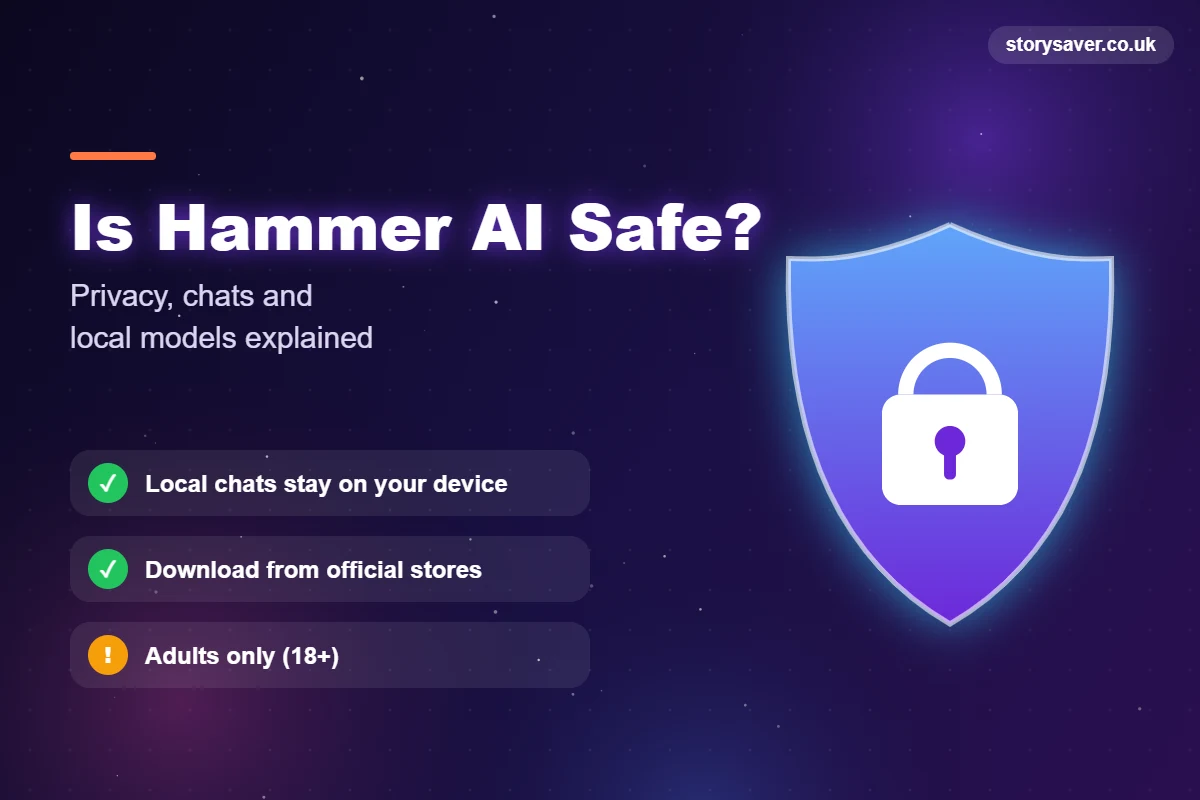
For adults who download it from the official site, Hammer AI is safe to use. But “safe” means different things depending on how you use it, so let’s split it up.
Is It Safe for Privacy?
This is where it shines. Local chats never leave your device. There’s no server in the middle at all.
The company also says it doesn’t train its own models on your conversations. Cloud chats are a different story, though. They go through its servers, and some cloud models pass your messages on to an outside AI provider, whose own data rules then apply. Want full privacy? Stick to local models.
Does It Store Your Chats?
Local chats live on your computer. Cloud chats tied to your account get saved, so you can open them on your phone later.
Either way, don’t type passwords, bank details or anything you’d hate to see leaked. That goes for every AI chat, not just this one.
Is It Safe to Download?
The official apps are. The risk comes from copies on other sites, so stick to hammerai.com, Google Play or the App Store.
Is It Safe for Kids?
No. It’s built for adults. The terms require users to be of legal age, generally 18 or older, and the platform allows unfiltered adult content. If you’re a parent looking for something for a teen, pick an app with strict filters and parental controls instead.
Hammer AI vs Character AI
This is the comparison everyone makes, and fair enough, they look alike. The real difference comes down to privacy and how strict the filters are.
| Feature | Hammer AI | Character AI |
|---|---|---|
| Local models | Yes | No |
| Offline chat | Yes (desktop) | No |
| Account needed | Not for local use | Yes |
| Content filters | Loose, adult content allowed | Strict |
| Character library | Large | Larger and more popular |
| Ease of use | Easy on web, more setup on desktop | Very easy |
New to AI chat and just want to have fun? Character AI is simpler. Care about privacy, offline use or fewer limits? That’s where this one wins.
Hammer AI Reviews: What Users Say
Most Hammer AI reviews on Reddit and the app stores are positive, and the desktop crowd is the happiest. People like the free local models, the privacy, and being able to write long stories without a filter cutting in every few lines. A lot of users also enjoy testing different models until one fits their writing style.
The complaints are pretty consistent too.
Local models feel slow on weaker computers. Smaller ones forget details or start repeating themselves in long chats. The free cloud limit runs out if you binge. And some people find the desktop setup a little technical the first time. None of these are deal breakers, but it’s good to know before you start.
Common Mistakes New Users Make
Most bad first experiences come from the same few slip-ups, and they’re easy to avoid:
- Loading a big local model on a weak PC, then deciding the whole app is slow
- Grabbing the app from an APK site instead of the official store
- Sharing real names, addresses or private details in cloud chats
- Skipping lorebooks, then wondering why the AI forgets the story
Fix those four, and the app feels a lot smoother from day one.
Pros and Cons of Hammer AI
| Pros | Cons |
|---|---|
| Free local models with no message limit | Local models need a decent GPU |
| Offline chat with strong privacy | Small models can lose track of the story |
| No account needed for local use | Free cloud chat has a daily limit |
| Works on web, desktop and mobile | Not suitable for kids or teens |
| Character creator, lorebooks and personas | Some cloud chats go through outside AI providers |
Hammer AI Not Working? Quick Fixes
When Hammer AI is not working, it’s usually one of a few things. Start at the top:
- Replies are slow or stuck? Switch to a smaller local model. Low VRAM causes most of these.
- The model won’t load? Close games and other heavy apps, then restart the desktop app.
- Cloud chat stopped? Check your internet, or you may have hit the free daily limit.
- Web app throwing errors? Refresh, clear the cache or try another browser.
- Chats missing? Sign in to the same account. Only cloud chats sync between devices.
Sometimes the site itself is just down, and waiting ten minutes fixes it. We cover how to spot that kind of outage in our guide on how to check if Claude is down, and the same steps work for most AI tools.
Hammer AI Alternatives
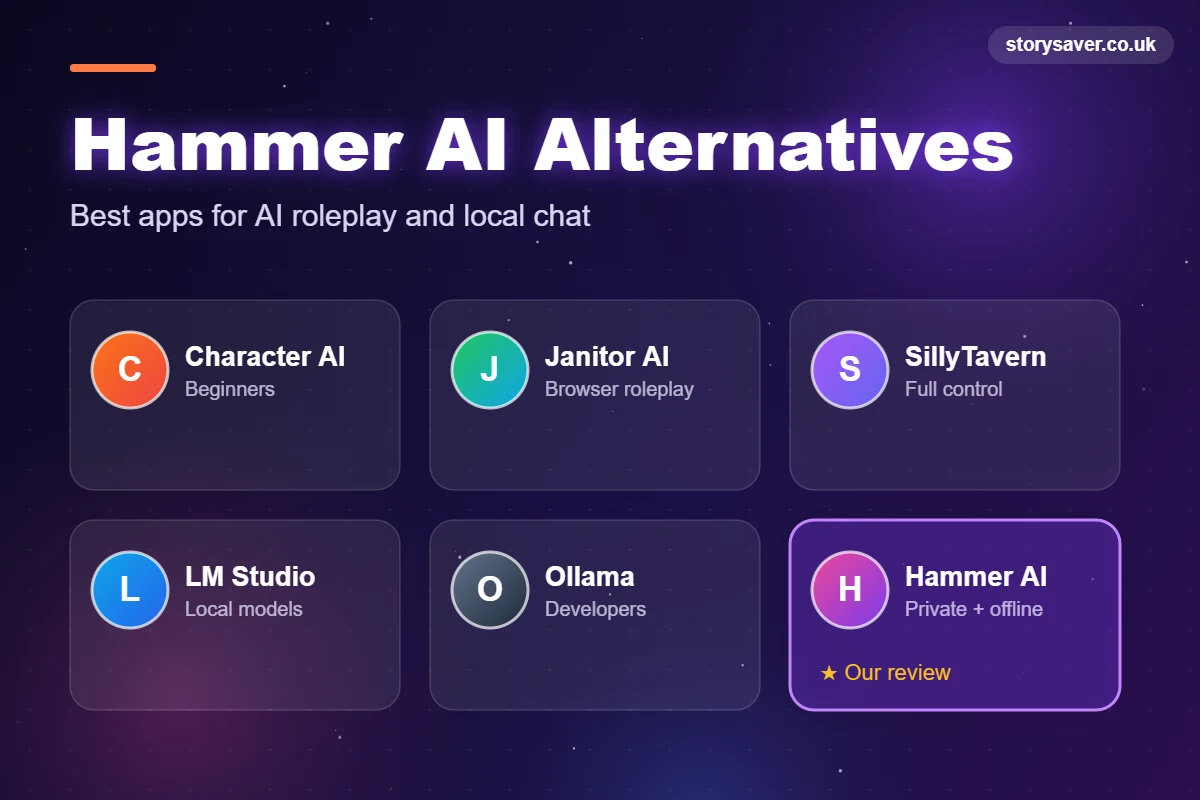
Looking for apps like Hammer AI? There are a few good ones, and the best Hammer AI alternative depends on what you actually want:
| Tool | Best for | Runs locally? |
|---|---|---|
| Character AI | Beginners and a huge character library | No |
| Janitor AI | Browser-based roleplay | No |
| SillyTavern | Advanced users who want full control | Yes (with a backend) |
| LM Studio | Running local models with a simple app | Yes |
| Ollama | Developers who want local models | Yes |
For a deeper look at each one, read our full guide to the best Hammer AI alternatives. We review more tools like these in our AI tool guides, if you want to compare a few before you settle.
Who Should Use Hammer AI?
The Hammer AI chatbot is a great fit if you’re an adult who wants private, flexible character chat. Roleplay fans, story writers testing characters, and anyone with a gaming PC who’d like free local AI will get the most out of it.
Skip it if you’re under 18, if you need strict filters, or if all you want is help with emails and homework. A general AI assistant does that job better.
Final Thoughts
Few chat apps let you run everything on your own computer, for free, with no account. That’s the real reason it stands out. Start on the web if you’re curious, move to the desktop app if you want privacy, and keep it an adults-only tool. Do that, and it’s one of the most flexible AI roleplay apps you can try right now.
FAQs
What is Hammer AI?
It’s an AI character chat and roleplay platform. You chat with ready-made characters or create your own, on the web, on your phone or in a desktop app that runs AI models on your computer.
Is Hammer AI free?
Yes. The free plan gives you 600 cloud messages a day, and local models on the desktop app are free with no limit. Paid plans start at $9 a month.
Is Hammer AI safe?
For adults, yes, as long as you get it from the official site or app stores. Local chats stay on your device. Cloud chats go through its servers and may reach outside AI providers.
Does Hammer AI work offline?
The desktop app does, once you download a local model. The web and mobile apps need internet.
Is there a Hammer AI app for Android?
Yes, on Google Play, plus an iPhone app on the App Store. Avoid APK files from other sites.
Is Hammer AI good for kids?
No. It’s made for adults, generally requires users to be 18 or older, and allows adult content.
What is the best alternative to Hammer AI?
Character AI for beginners, Janitor AI for browser roleplay, and LM Studio or SillyTavern if you want local models with more control.